
Configuration Examples
When you are provided with a VPN account you'll find a quick start config made available to you in the user dashboard under Main -> Config.
-
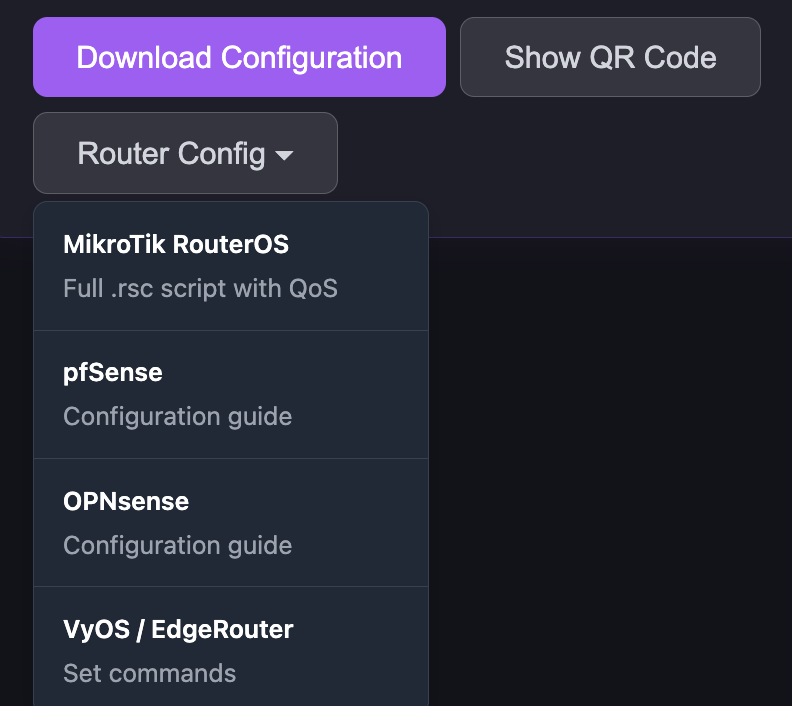
Click on 'Download Configuration' to download a working configuration to import directly into your Desktop or Mobile WireGuard client.
-
Click on the Router Config button and you will be offered a number of common WireGuard client configurations.
The image below shows the user dashboard options:
Pro Tier users may require some BGP configuration if subscribed to the nColo service option. There is a filter on the hub side to only allow your lease inbound. You will receive a full table from any peering globally plus a default route from the regional hub you are peering to.