
Creating Your Account
Getting Started
TheJoining applicationNekotopia processtakes shouldjust bea fairlyfew pedestrian.
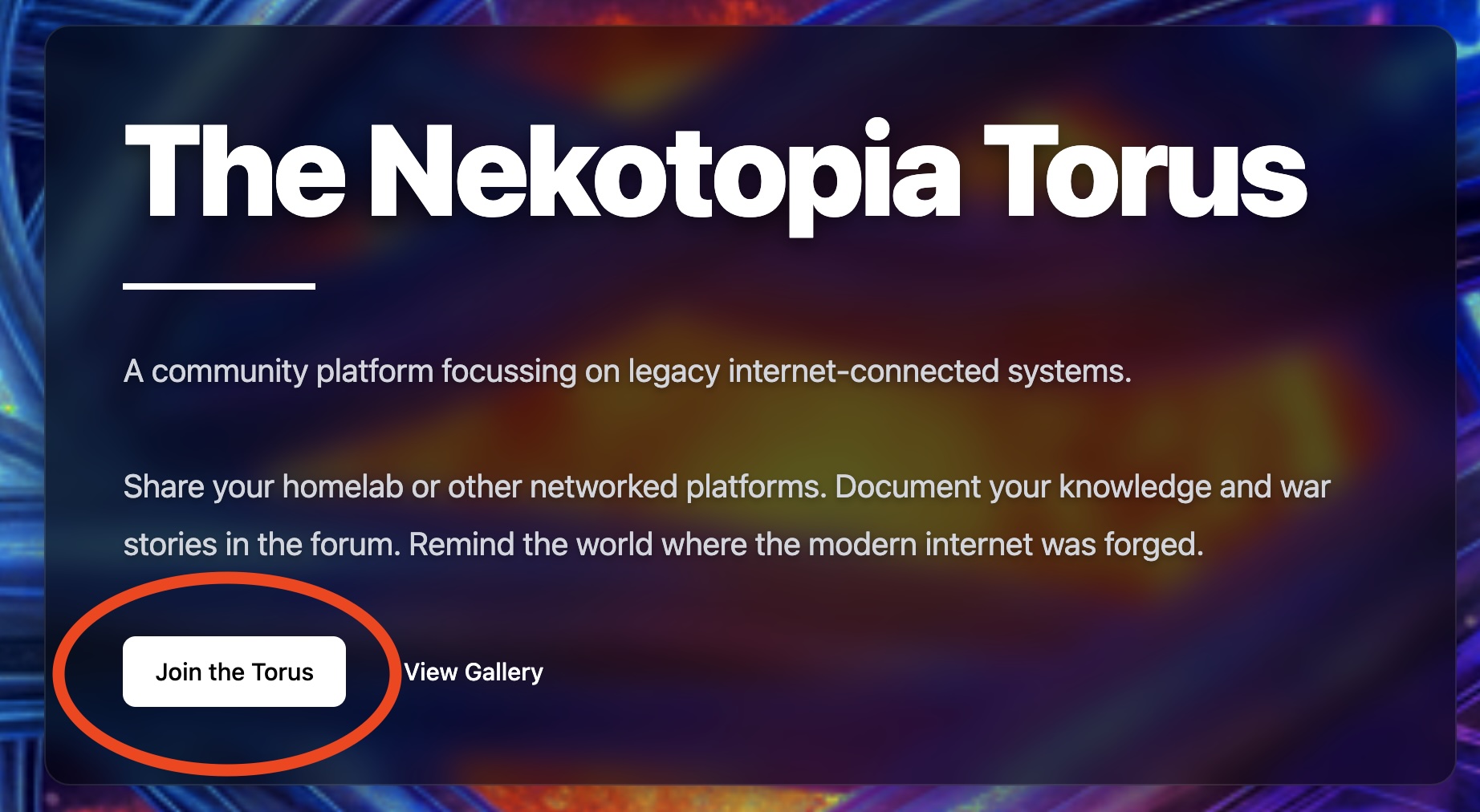
OnHere's how to create your account and get connected to the homepage,Torus clicknetwork.
Step on1: theRequest 'an Account
- Visit nekotopia.io
- Click "Join the
Torus'Torus"link.in
the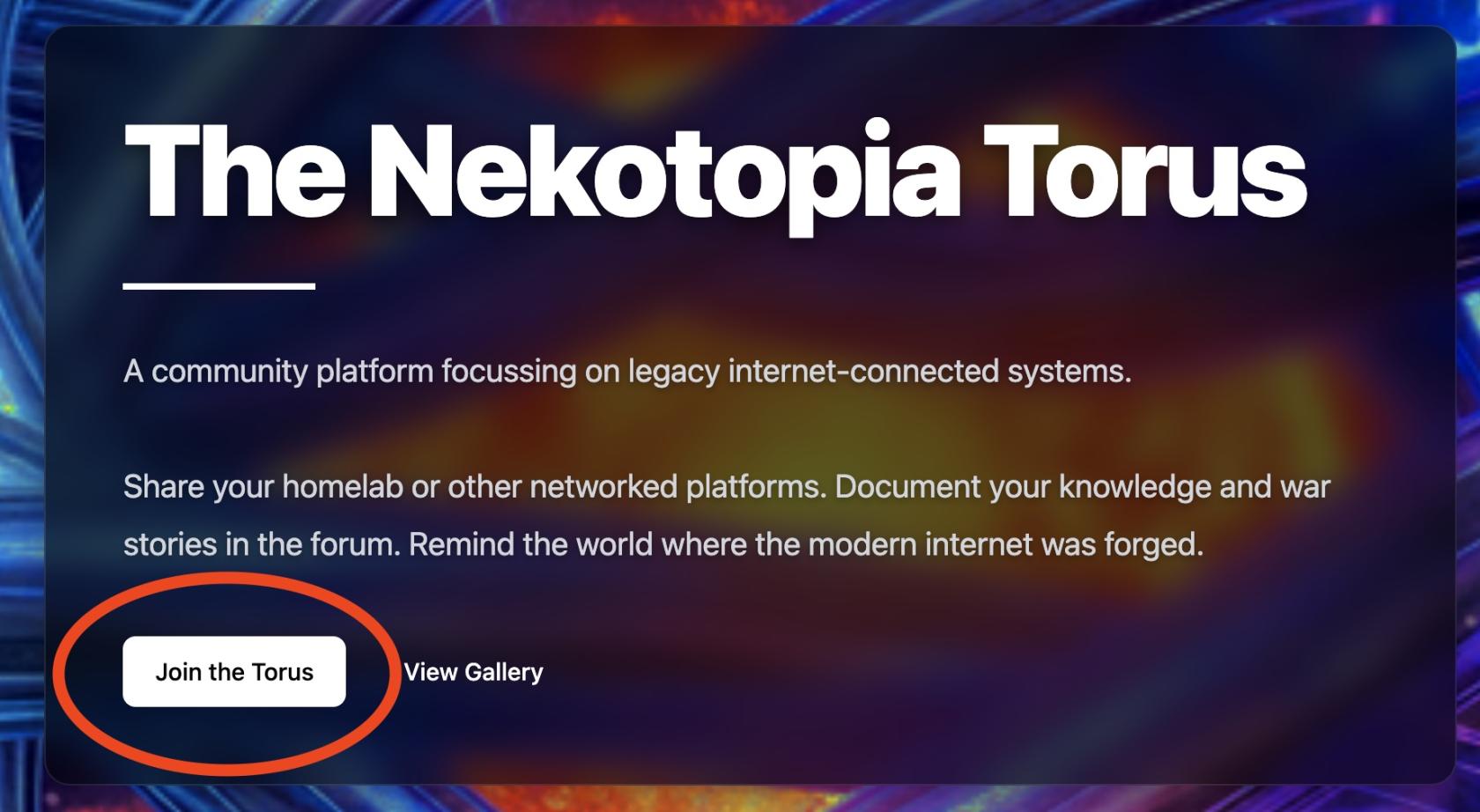
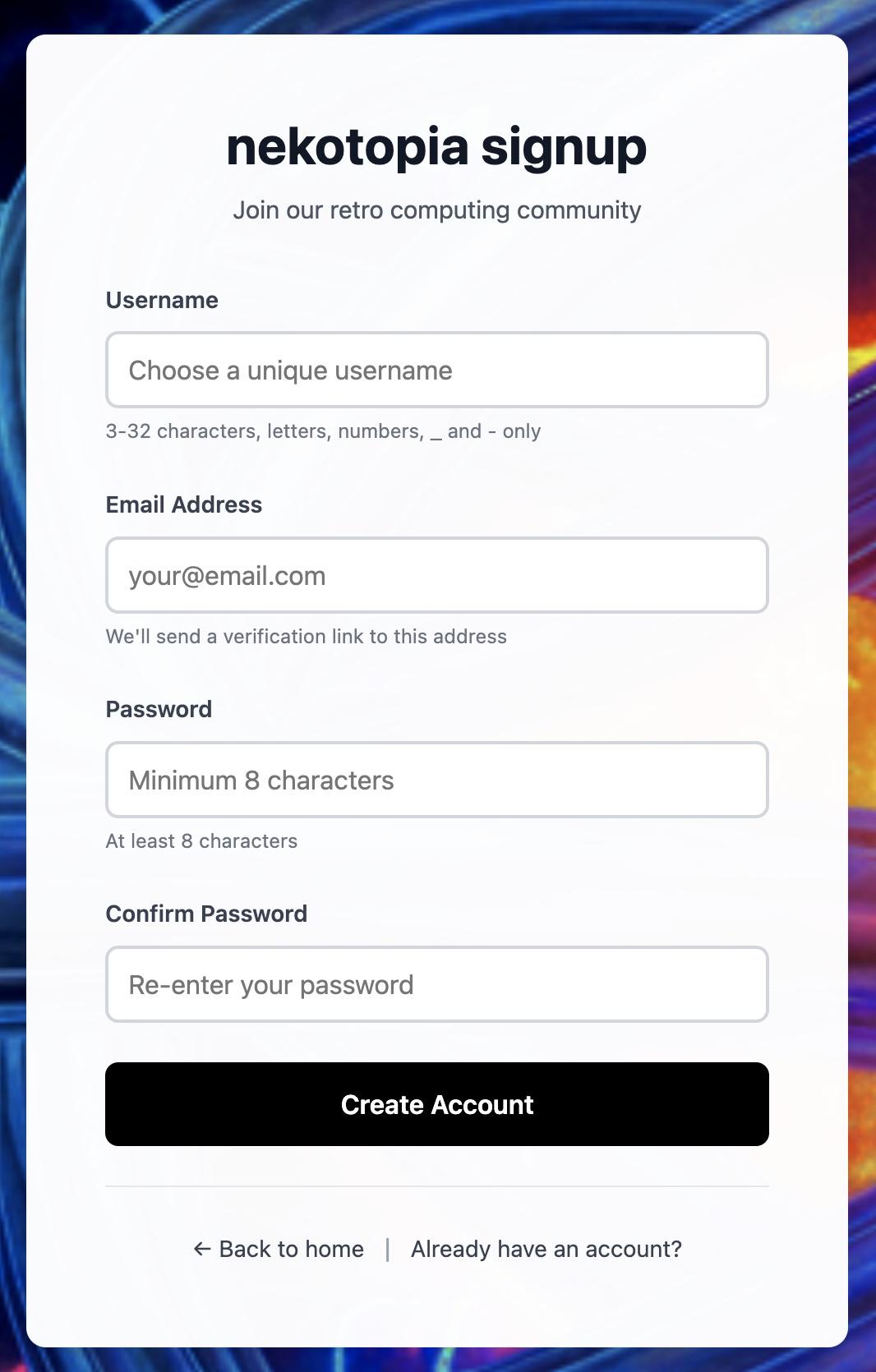
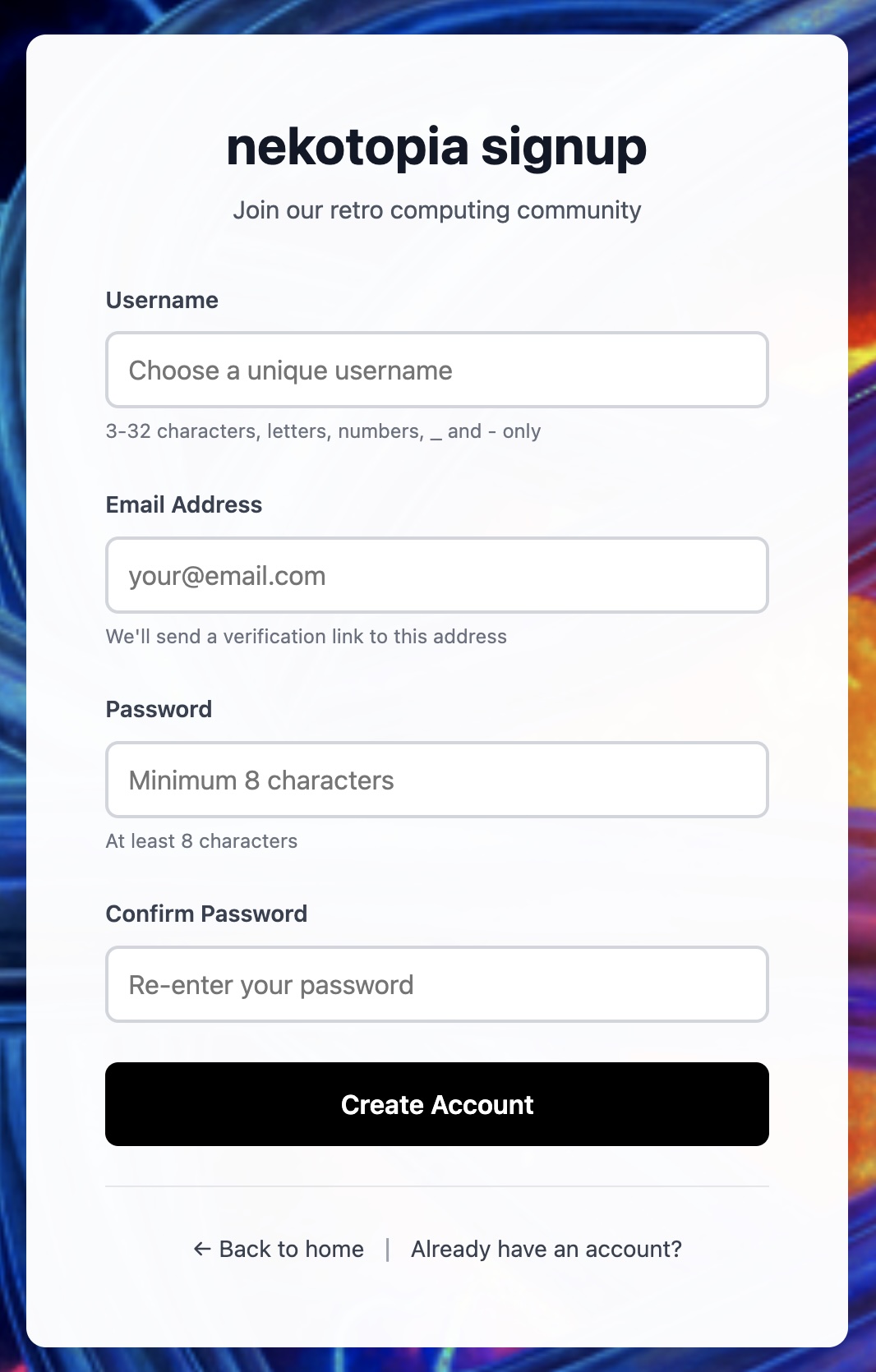
Younavigation - Fill
willin the registration form:- Username - Must be
requesteduniqueto provide some simple details. Please note that the username must be unique, and you will(you'll be prompted ifitit'sconflictstaken) - Email
with-anRequiredexistingforaccount.verificationYouronly.email addressWe willNEVERneverbesendusedmarketingforemailsanyorunsolicited email communications on this platform and willNEVERbe shared. The email address is required, however, to provide confirmation ofshare youraccount.address. - Password
-
IfChooseyoursomethingpassword and confirmed password match and all other details are valid, you can go ahead and press thesecure
- Username - Must be
- Click "Connect Account"
Step button.2: YouVerify shouldYour seeEmail
Within a simplefew confirmationminutes, at the top of the page when your account request is submitted. You willyou'll receive an email from noreply@nekotopia.io. in your registered mailbox withinClick the next few minutes. Open the received email, and click the "Verify Email AddressAddress" button.button in that email.
Check 
Ifspam wefolder if you don't see yourit request,within and5 youminutes.
Step can3: confirmWait yourfor Approval
Account requests are reviewed manually. Most approvals happen within 24-48 hours. You'll receive an email address,when your account willis beready.
Step generated4: usingDownload Your VPN Configuration
Once approved:
- Log into your Dashboard
- Navigate to VPN Configuration
- Download your
.conffile - Import it into WireGuard on your device or router
Step 5: Test Your Connection
After connecting, verify everything works by visiting the credentialsTorus Echo test page. If you providedsee during"Connection Successful" - you're in!
What You Get
All new accounts start at the signupBasic process.tier:
- Private IP address on the Torus (10.254.16.x)
- Access to other members' shared services
- Ability to share your own services with the community
- 256 Kbps bandwidth allocation
Need more? You can request an upgrade to Standard or Pro from your dashboard.