
MikroTik Routers
MikroTik routers running RouterOS v7 are our recommended way to connect vintage hardware to the Torus. They're affordable, reliable, and have native WireGuard support.
Why MikroTik?
- Native WireGuard — Built into RouterOS v7, no add-ons needed
- Affordable — Entry-level devices start around $25
- Small footprint — Palm-sized devices that fit anywhere
- Low power — Some models run from USB power
- Professional features — Full routing, firewall, and QoS capabilities
Recommended Models
| Model | Price | Ports | CPU | RAM | Best For |
|---|---|---|---|---|---|
| hAP lite (RB941-2nD) | ~$25 | 4× 100M | 650MHz | 32MB | Absolute minimum - runs from USB power |
| hEX lite (RB750r2) | ~$40 | 5× 100M | 850MHz | 64MB | Entry point - perfect for low-traffic sites |
| hEX (RB750Gr3) | ~$60 | 5× 1G | 880MHz×2 | 256MB | Sweet spot - handles WireGuard with ease |
| hEX S (RB760iGS) | ~$79 | 5× 1G + SFP | 880MHz×2 | 256MB | SFP fiber + PoE output on port 5 |
Older Models
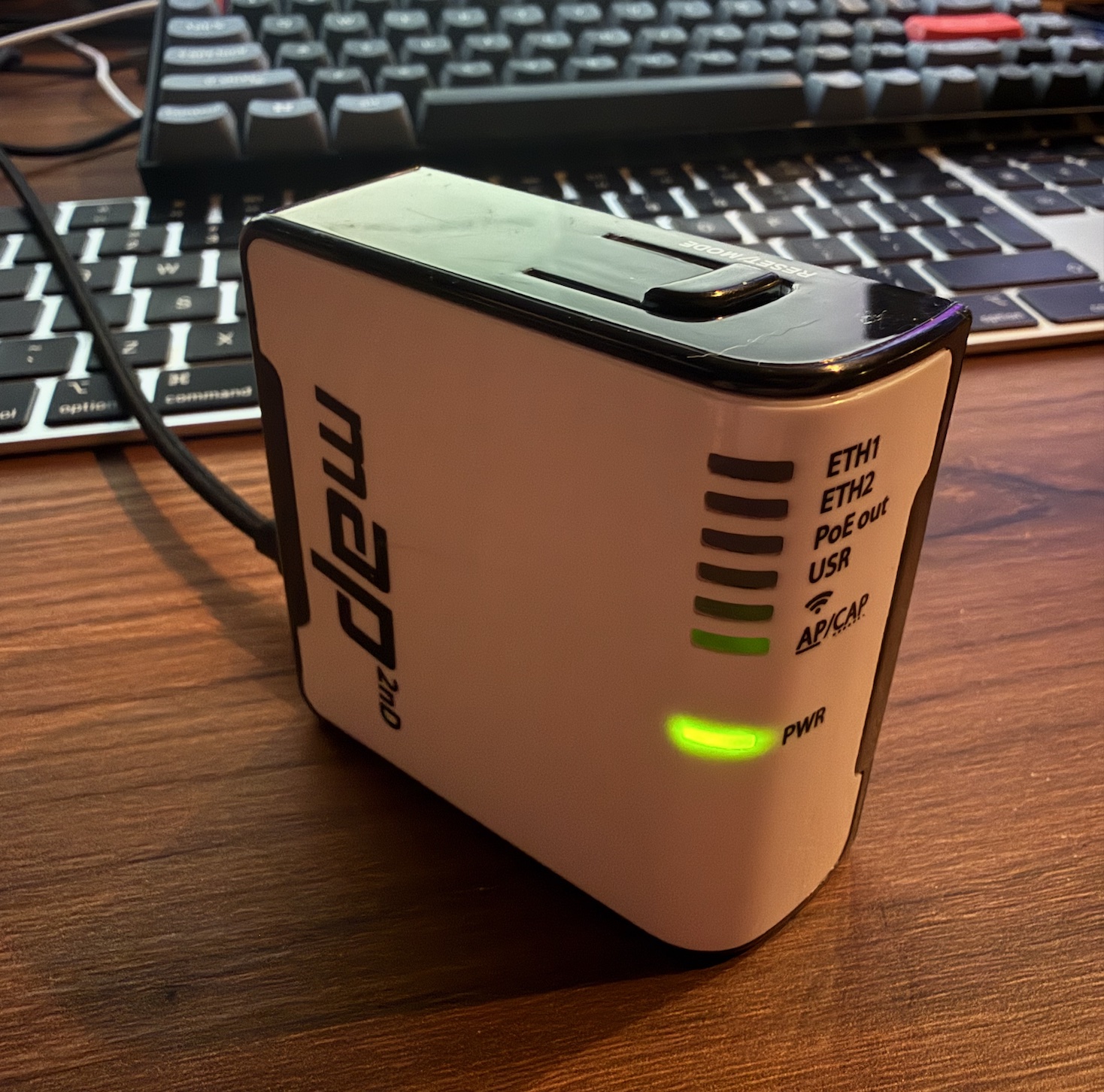
The Mikrotik mAP is a USB-powered tiny unit that you could probably pick up for less than $10. It even has WiFi!
Which One Should I Get?
For most users: The hEX (RB750Gr3) at ~$60 is the sweet spot. Gigabit ports, dual-core CPU, plenty of RAM for WireGuard and firewall rules, plus USB and microSD slots.
On a tight budget: The hEX lite at ~$40 handles basic use cases well. Five 100Mbps ports are more than enough for vintage hardware.
Ultra-minimal: The hAP lite works if you just want to put a single device on the Torus. It runs from USB power (5V), so you can power it from a phone charger.
Configuration
We provide pre-configured setup scripts for MikroTik devices. Once your VPN is approved, you'll receive:
- A WireGuard configuration file
- RouterOS commands to set up the tunnel
- Firewall rules for your tier
Setup typically takes less than 5 minutes.